All articles
Linking your Discord to your bossdevs.com account
Learn how to link your Discord to your bossdevs.com account, so you can use it to respond to tickets via Discord.

STEP 1
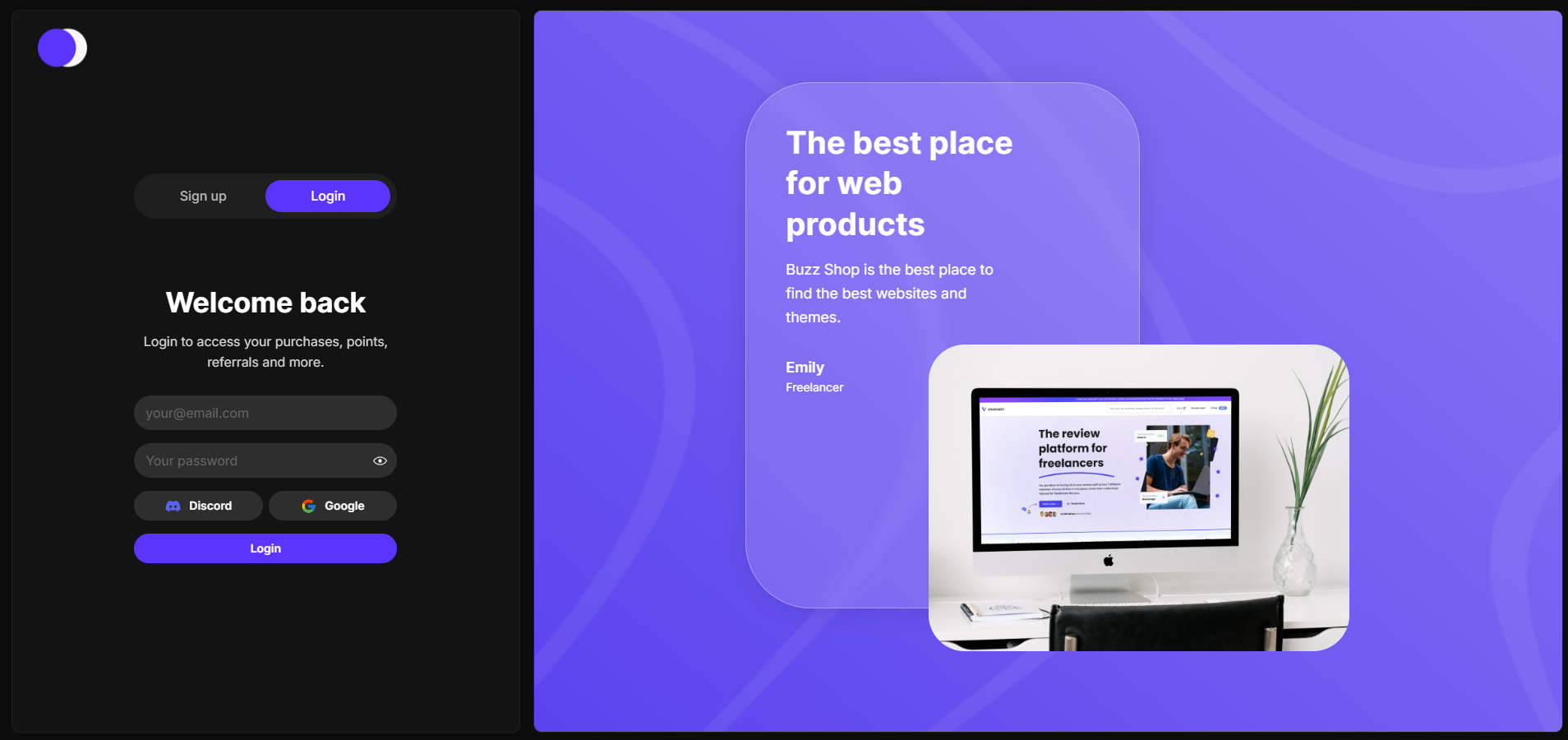
Create a BossDevs Account
If you haven't already, you should register an account with us at https://bossdevs.com/sign-up. This will allow you to link your Discord account with your BossDevs account.
STEP 2
Visiting your Account Dashboard
Once you have registered your account with us, head over to your Account Dashboard. In here, you can see your orders, points, total spent, and tickets. You can also link your Discord account here.
STEP 3
Linking your Discord Account
In your account dashboard, you will see a button that says "Link Discord". Once you click this button, you will be prompted to enter your 18 digit Discord User ID. You can get this by right clicking your username on any message you have sent and selecting "Copy User ID". Entering your Discord and clicking "Link Discord" will successfully link your Discord Account and BOSS Dev Account.
STILL NEED HELP?
Get in touch directly.
Josh responds the same day.